The Starting Point Was Google Forms and Sheets
This project started the way a lot of small business ideas start: with a simple workflow in Google Forms and Google Sheets.
That was not a bad starting point. Forms can collect requests. Sheets can hold names, notes, and status columns. For an early idea, that is often enough to prove there is something worth building.
But the goal was to help someone bring a small babysitting staffing agency idea to life without turning the business into a pile of SaaS subscriptions. The business did not need a giant childcare platform. It needed a focused app that replaced the form-and-spreadsheet workflow with something cleaner, easier to manage, and built for the way the owner actually planned to work.
The Upgrade Was Practical, Not Fancy
The first win was not adding a hundred features. It was giving the owner one simple place to manage the work.
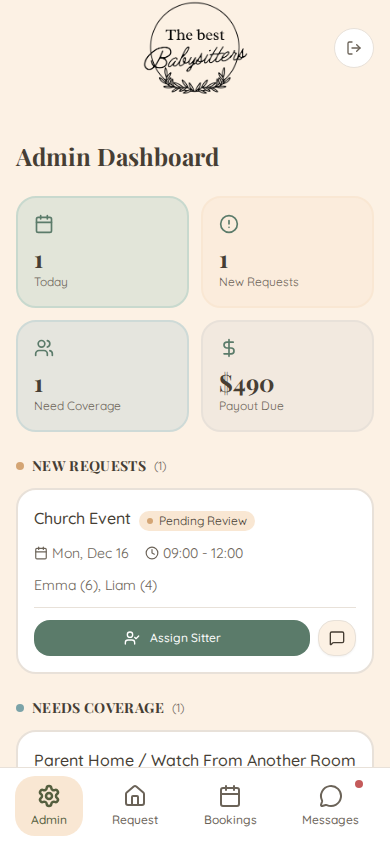
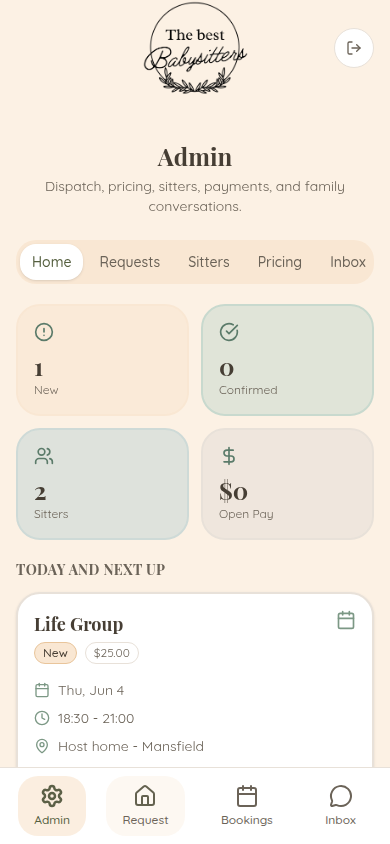
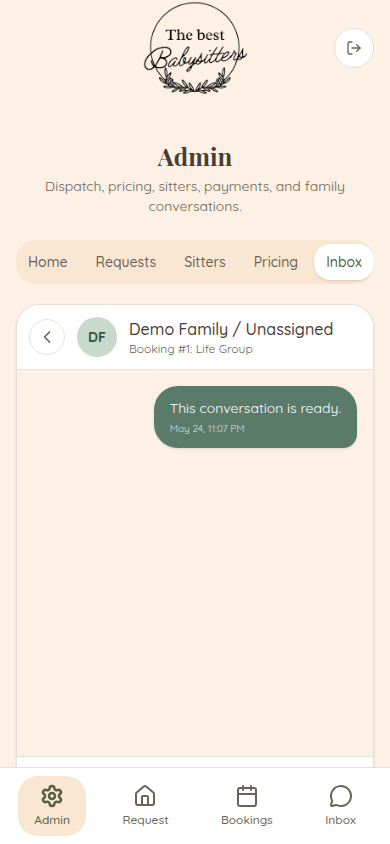
Instead of requests landing in a form and then getting sorted through a spreadsheet, the app could hold the pieces that mattered: customer requests, sitter information, assignment status, follow-up, and basic operating records.
That alone changes the feel of the business. The owner is no longer hunting through rows, wondering which sheet is current, or trying to run a mobile workflow through a desktop spreadsheet view. The app becomes the working surface.
Low Recurring Overhead Was The Point
A small business does not always need another monthly platform.
For this project, keeping recurring overhead low mattered. The app was designed around affordable hosting, a domain, and the actual workflow. No per-seat pricing. No bloated software package. No paying every month for features the business was not going to use.
That is one of the places custom app development can make sense for a small operator. Custom does not have to mean huge. Sometimes it means small, direct, and owned.
Mobile First Because That Is Where The Work Happens
A babysitting staffing business is not always managed from a desk.
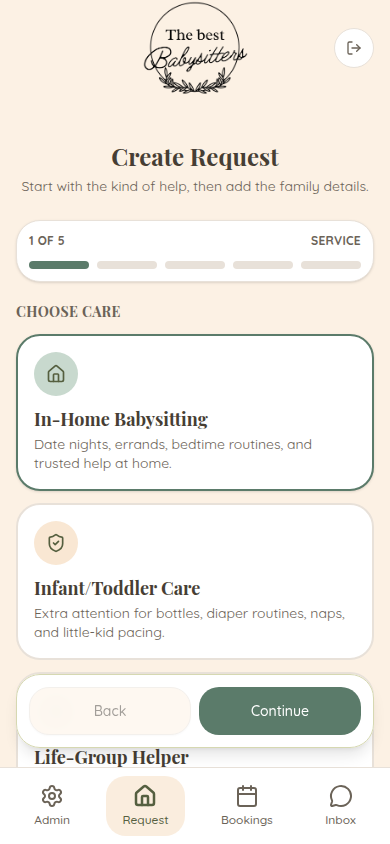
Requests, updates, scheduling questions, and quick checks often happen from a phone. So the app needed to be simple on mobile, easy to understand, and focused on the next action instead of a complicated admin screen.
The design goal was not to impress another software company. It was to make the business easier to run from the device the owner actually uses.
Why Not Just Use A SaaS Tool?
Generic software usually asks the business to adapt to the tool. Google Forms and Sheets ask the owner to manually hold the workflow together. A small custom app can sit in the middle: more structured than a spreadsheet, but not bloated like a platform built for everybody.
That was the right fit here. The app did not need every feature a staffing system could possibly have. It needed the right few screens for this business, this workflow, and this budget.
The Real Lesson
The value was not that the app was complex. The value was that it replaced a loose Google Forms and Sheets setup with a simple business tool that felt more real immediately.
For small businesses, that can be the difference between an idea that stays messy and an idea that is actually manageable.
That is the kind of custom web app work that makes sense: low overhead, mobile-first, easy to manage, and built around the business instead of forcing the business around the software.