The Common Misdiagnosis
A lot of teams ask for a better form when the real issue is the workflow after the form. Intake is only the first action. The harder work begins when someone has to review the submission, assign it, approve it, score it, rank it, reconcile it, or explain what happened later.
That is where form tools start to bend. They can collect data, but they usually do not give the business a clean operating surface for what happens next.
State Changes The Problem
The threshold is state. If a record can be new, assigned, held, approved, paid, scored, ranked, closed, reopened, or audited, the workflow has become more than intake. It now has rules and history.
That does not automatically mean the business needs a large software product. It does mean the work should be modeled like an application instead of treated like a stack of submissions.
Where This Shows Up
The pattern appears in event scoring, live Q&A, raffle operations, childcare scheduling, payout review, quote approvals, service requests, and internal admin work. The industries are different, but the shape is similar.
Someone submits something. Someone else has to do something with it. The business needs to know where it stands, who owns it, what changed, and what should happen next.
What An App Adds
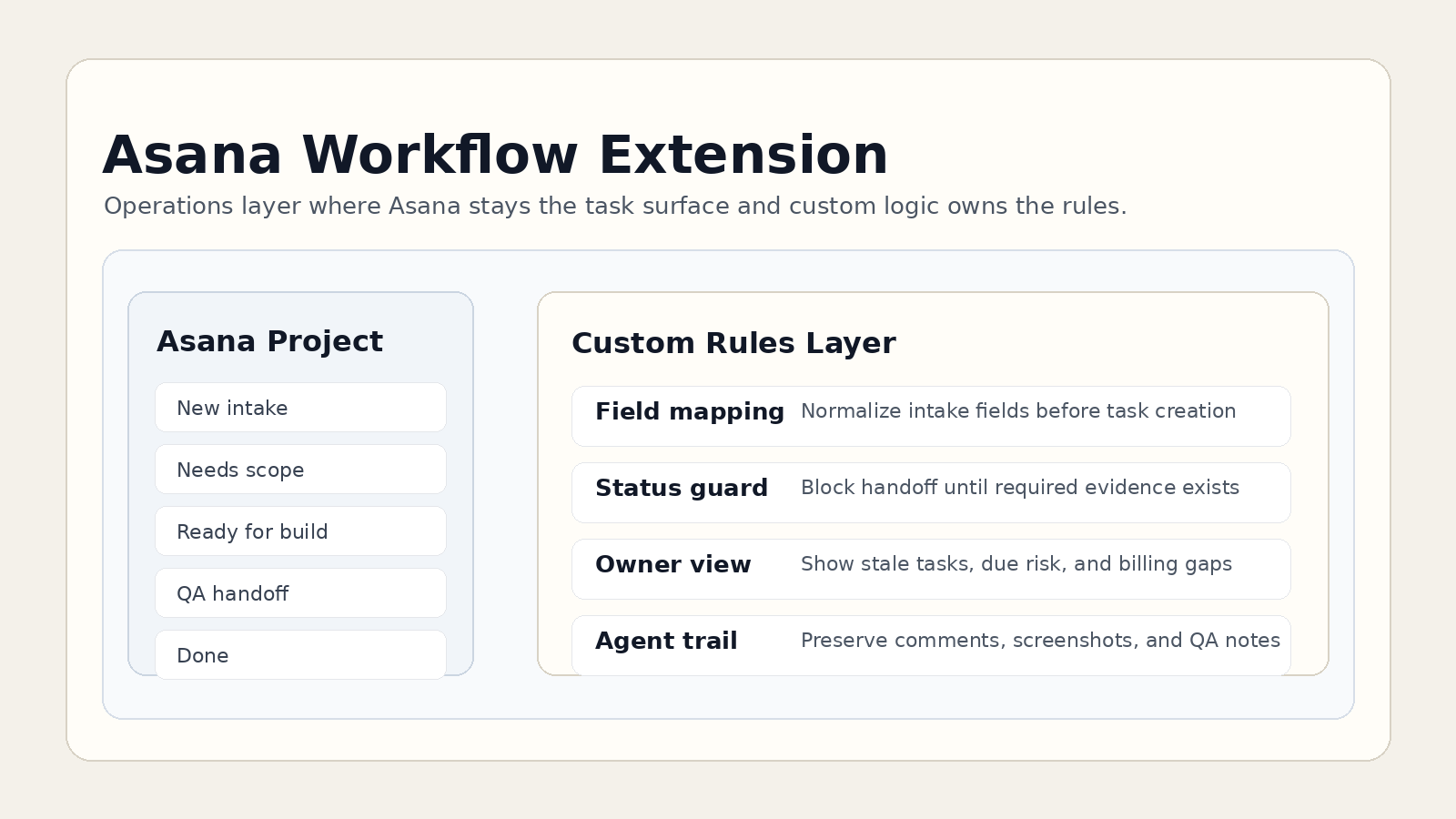
A useful workflow app separates roles, permissions, source data, status, actions, notes, logs, exports, and reporting. It gives operators the controls they need without asking them to remember a hidden process.
The app may still start with a form. The difference is that the form feeds a system instead of becoming the system.
Why Small Apps Are Often Enough
The goal is not to over-engineer. Many of these workflows need a focused app with a few strong surfaces: an intake path, an admin queue, a review screen, a reporting view, and a documented handoff model.
That is usually more valuable than adding another generic subscription and pushing the real business rules into side spreadsheets anyway.
The Decision Rule
If the business only needs to receive a message, use a form. If the business needs to operate a record through roles, state, and review, build the app around that workflow.