When A Workflow Needs Its Own App
Most custom apps start as a workaround that became too important to keep holding together by memory. A spreadsheet starts making business decisions. A form becomes the front door for an operating process. A staff member becomes the routing system. A SaaS tool handles part of the work, but the business rules still live somewhere else.
That is the point where a small owned web app can be more practical than another subscription or another manual process. The goal is not to build software for its own sake. The goal is to give the business a clear operating surface for the work that matters.
For owner-led businesses around Mansfield and DFW, that usually means a narrow operating tool: one workflow, one dashboard, one review path, or one internal surface that makes the existing business easier to run without pretending the company needs a giant software product.
The App Starts At The Operating Moment
OCData app work starts with the moment where confusion is most expensive: event day, payout closeout, booking assignment, raffle draw, live Q&A, quote review, staff handoff, or month-end reporting. The first version should make that moment easier to run, easier to inspect, and easier to hand off.
That means the work is usually a mix of product thinking, data modeling, user roles, admin controls, reporting, integrations, QA, deployment, and documentation. The technical stack matters, but it comes after the workflow is understood.
What OCData Builds
- Internal tools and admin dashboards for work that does not fit generic SaaS.
- Role-based portals for customers, staff, managers, sitters, sales reps, or event operators.
- Event operations apps for registration, scoring, brackets, check-in, call boards, and live control.
- Workflow apps for approvals, assignments, payout review, quote movement, and handoffs.
- Integration layers around Asana, ServiceTrade, WordPress, WooCommerce, Shopify, QuickBooks, Microsoft 365, Google Workspace, and custom APIs.
- Reporting and review systems where data needs state, history, and accountability.
- In-context feedback tools that turn vague website notes into fixable records with viewport, browser, screenshot, selected-element, and task handoff data.
Live Proof Articles
This page is the hub for the custom web app development article cluster. It links public proof and frames sensitive work as patterns instead of exposing private records.
- GroupSift: live group Q&A with anonymous intake, QR invites, vote-gated ranking, facilitator controls, and recap views.
- Men's Shootout: tournament operations with registration context, shooter pages, scoring, RSO mobile entry, standings, and bracket control.
- Raffle operations: Shopify-backed fundraiser workflow with public rules, status, draw handling, and result visibility.
- ServiceTrade Operations Hub: commission and payout command center that replaced spreadsheet and macro workflows.
- GroomFlow: grooming workflow platform with custom tables, admin CRUD, REST APIs, reporting, and a board interface.
- Childcare marketplace workflow: privacy-aware customer, sitter, and admin operations where role controls and data boundaries matter.
- Asana customizations: using Asana as the coordination surface while custom software handles domain rules.
- OCFeedback: website feedback that preserves screen size, browser, selected element, screenshot, and Asana handoff context.
- Forms are not enough: the broader decision guide for when a form has become a workflow app.
Screenshot And Proof Standard
Public app screenshots can be used when they do not expose private records. For sensitive apps, use approved illustrative screens instead of customer records. Do not publish customer records, sitter or child data, attendee details, payout records, credentials, private schedules, or internal admin notes.
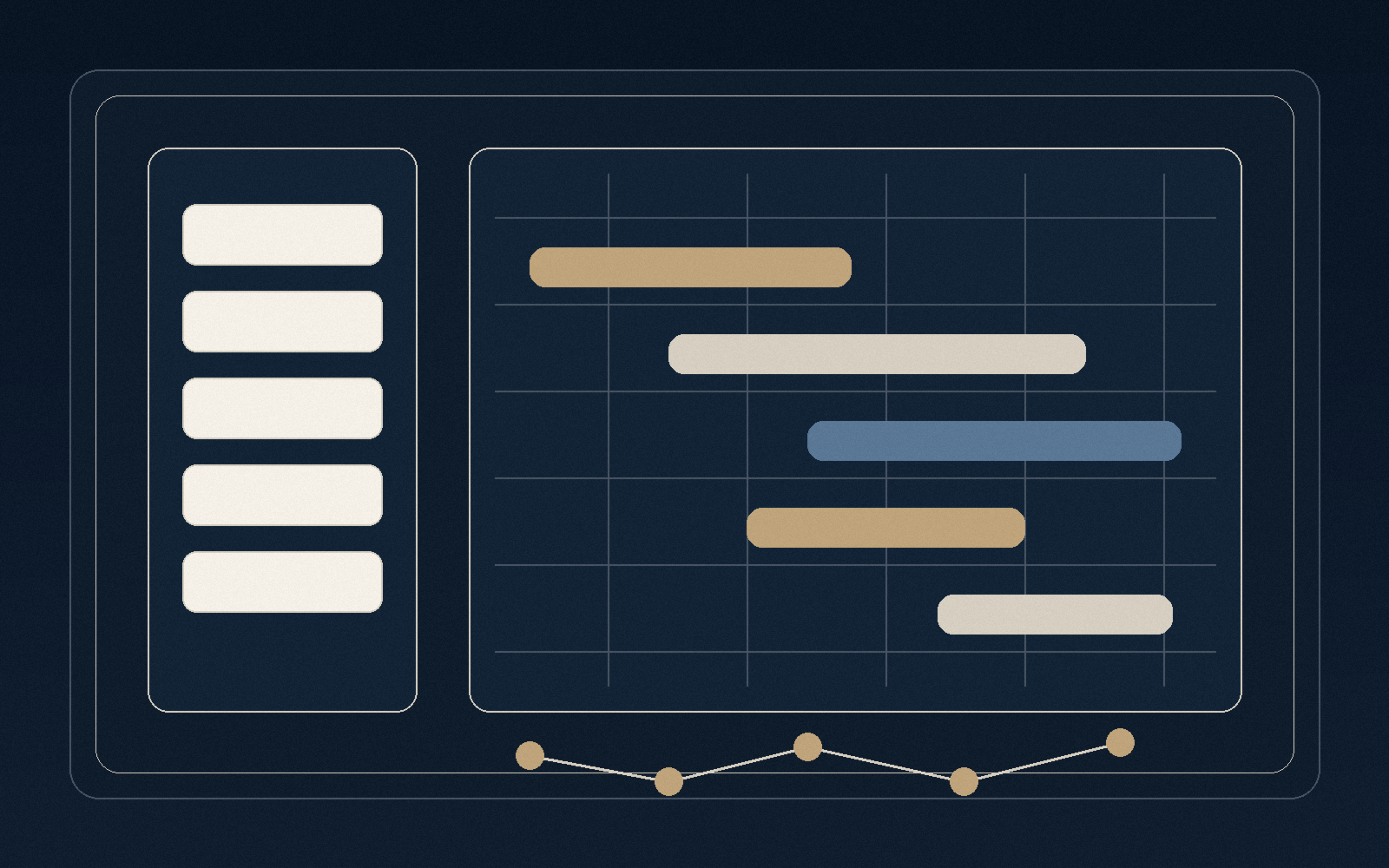
The current image set follows that rule: public pages are captured where safe, and private workflows use illustrative screens with no private operating data.
How The Build Should Work
A good custom app engagement should leave the client with more control, not less. OCData's preferred path is to define the workflow, build the smallest useful product surface, protect role-specific data, document the operating model, and make the handoff clear enough that the business can understand what it owns.
That can be a Python app on low-cost hosting, a WordPress plugin when WordPress is genuinely the right operations surface, a static frontend with Python API routes, or an integration layer around the tools the company already uses. The right answer depends on the workflow, not the trend.
Frequently Asked Questions
When should a business build a custom app instead of buying software?
When the business rules, role model, data ownership, review flow, or operating moment does not fit cleanly inside the software already available. The decision should be based on operational cost and control, not novelty.
Does every custom app need to be large?
No. Many useful apps are narrow: one workflow, one admin surface, one reporting loop, one event-day control layer, or one integration that removes repeated manual work.
Will the app be client-owned?
That is the standard. The delivered system should have clear hosting, source, documentation, backups, and handoff notes so the business is not dependent on hidden logic.